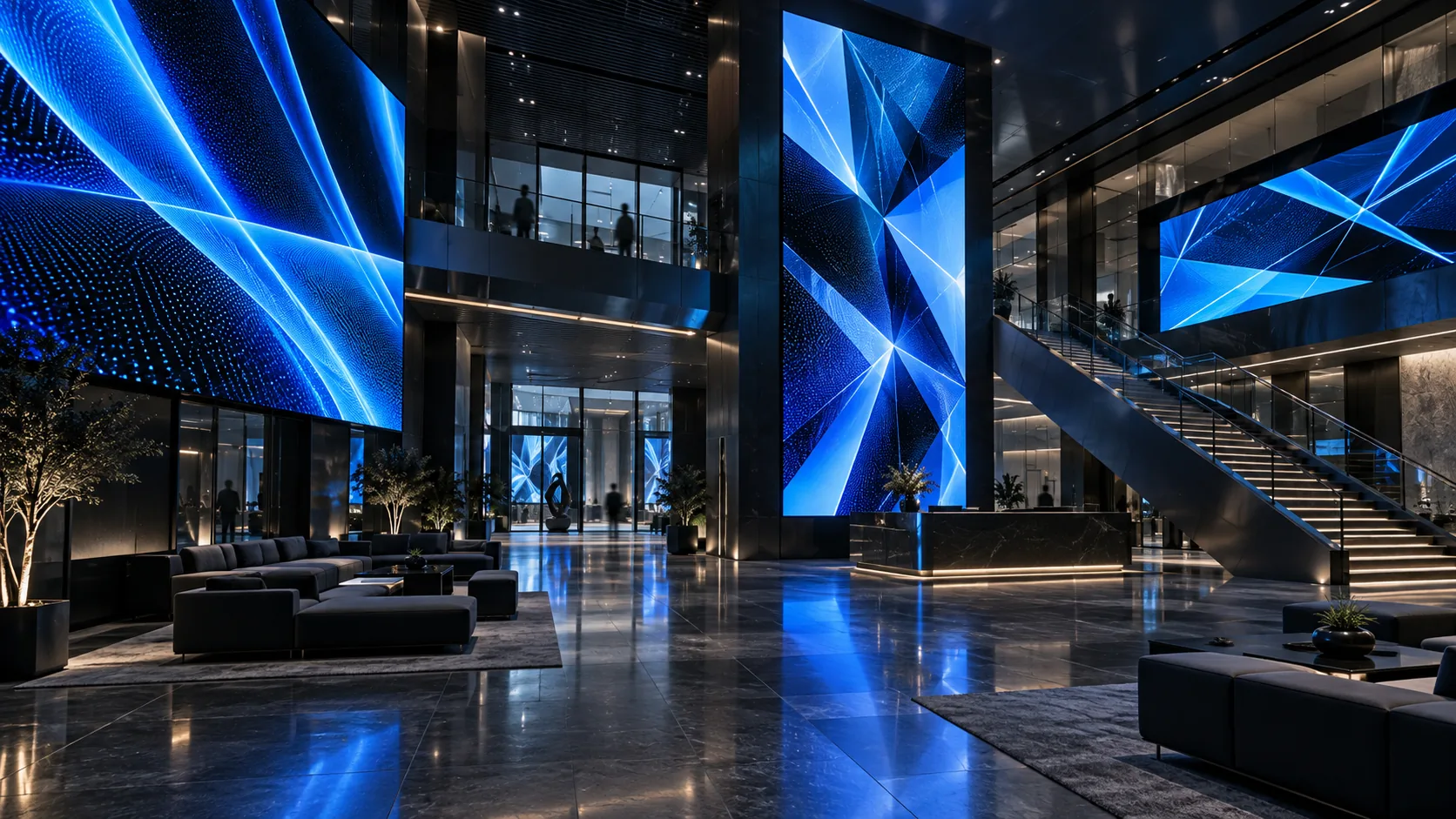
Commercial Display Solutions
Coordinate content and control across retail, corporate, and venue display networks.
View ArchitectureStart from the screen. Module size, colour depth and refresh requirement decide the controller.

Each application path connects an operating need with the control system beneath it.
Coordinate content and control across retail, corporate, and venue display networks.
View Architecture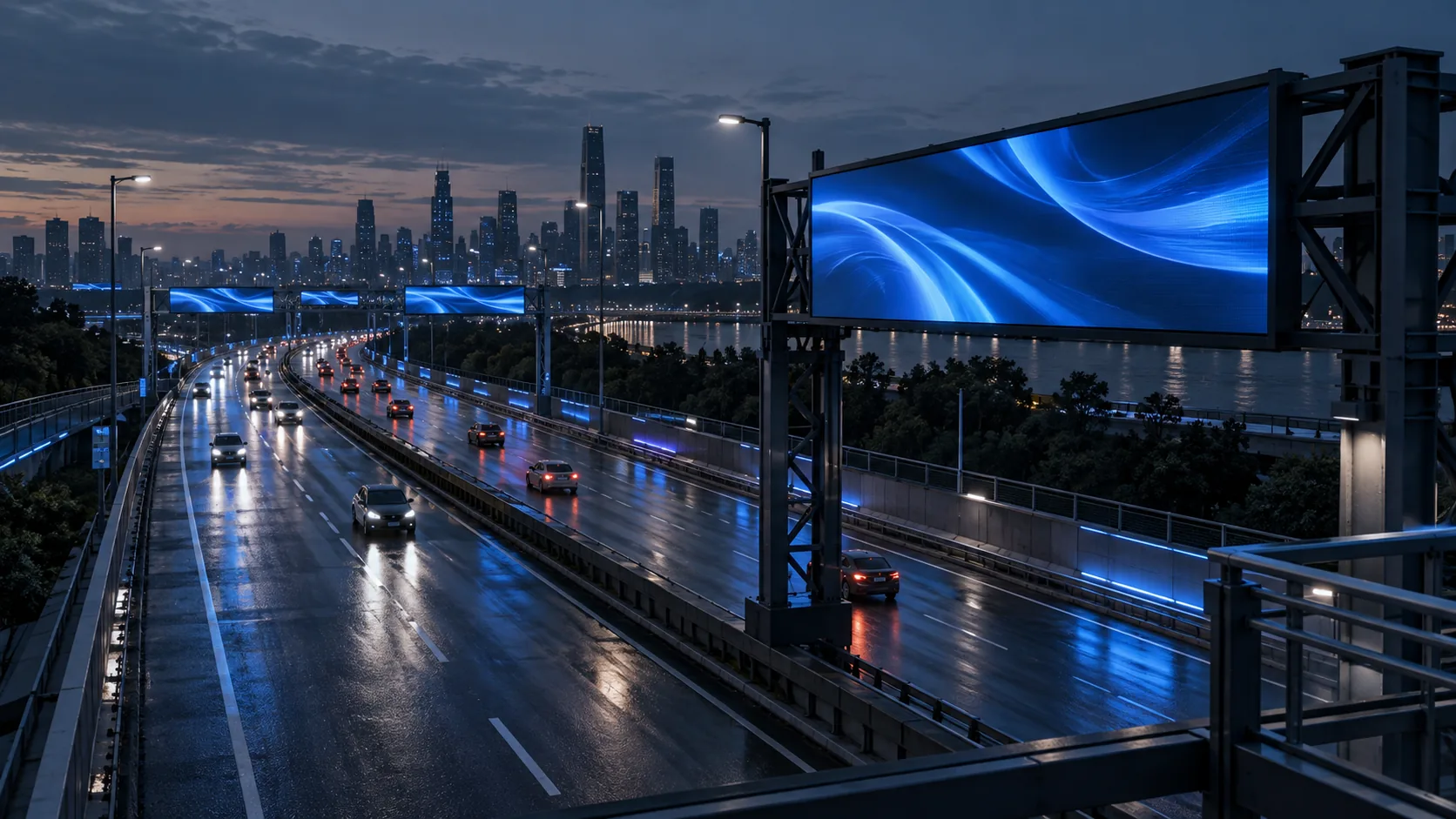
Define control paths for civic information and traffic displays.
View Architecture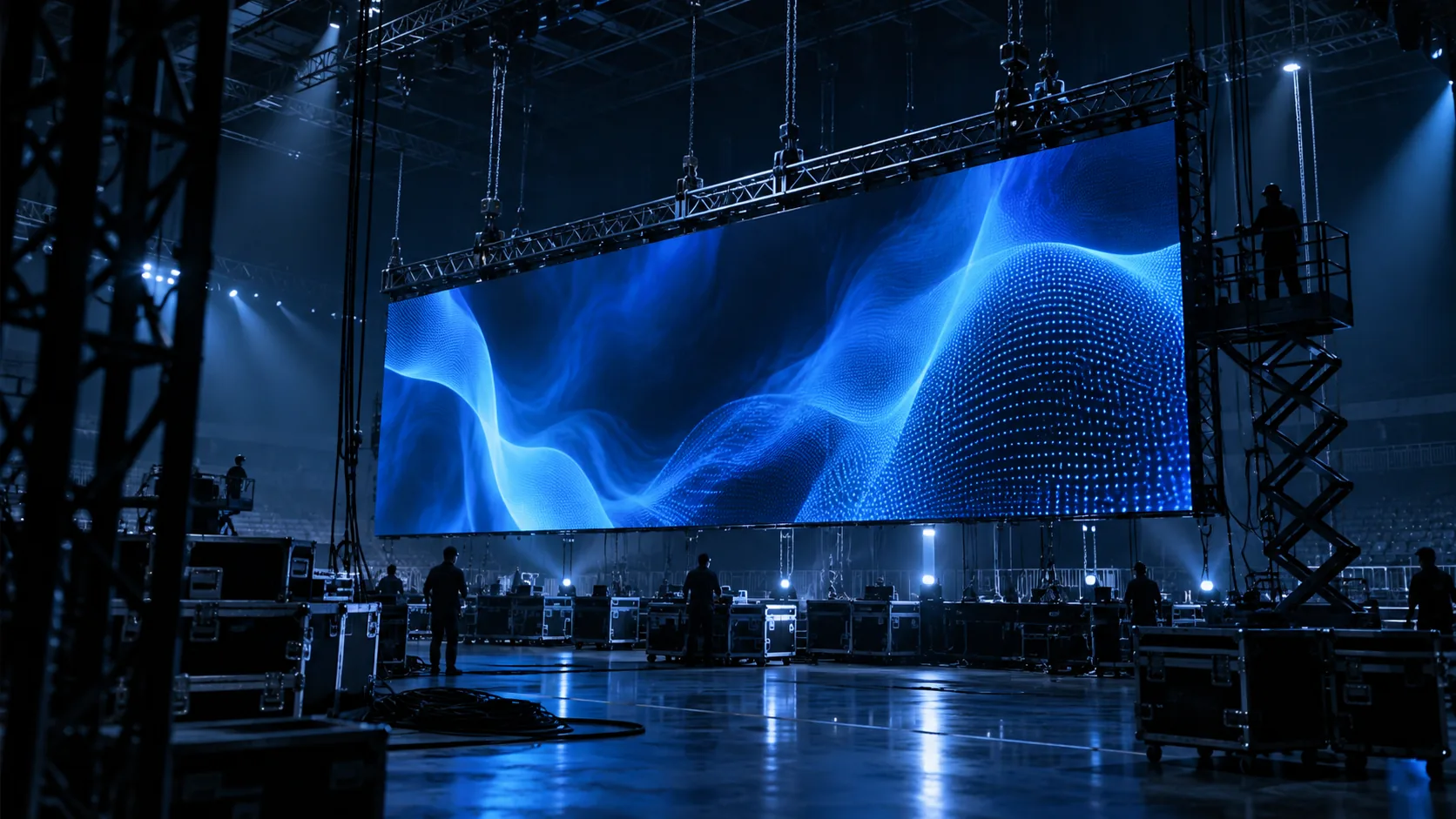
Prepare repeatable signal workflows for temporary stages and event systems.
View Architecture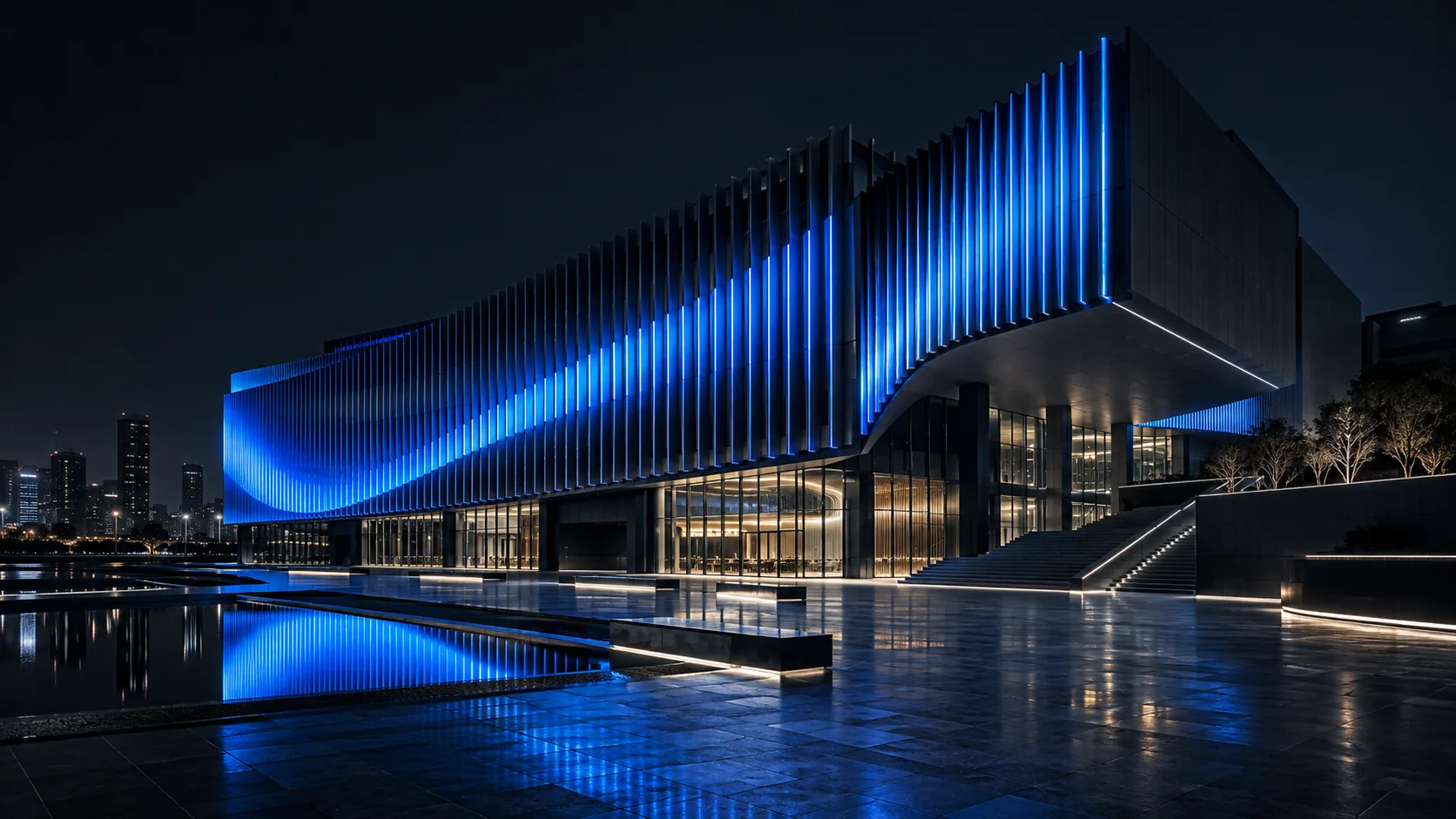
Map controlled LED output across façades, landmarks, and custom geometry.
View Architecture
Operate screens across many sites from one browser.
View Architecture
Connect live operations data with passenger information displays.
View ArchitectureFollow one clear route from content source to controlled output.
Text, graphics, photographs or video prepared in c-power software.
Serial, Ethernet, Wi-Fi or 4G delivers the program to the controller.
The controller stores the program and drives the screen.
Adapter boards or receiving cards reach the module interface.
Update, schedule and monitor the screen after installation.
Screen size and colour depth decide the controller. Browse by category, or let the Finder narrow it.
Greyscale output for photographs, video and detailed graphics.
Text and graphic screens without greyscale, at larger pixel widths.
Connect cabinet screens to C-Power 7 Series main boards.
Sensors, keypads, trigger boards and adapter boards for the module interface.
Original specifications and current replacement models for retired products.
Enter your module size and how many modules the screen uses. The Finder returns the models that fit, and says why the others do not.
Open FinderMove from product selection to setup, operation, and support.
Read sensors, drive the screen from your own system, and take the controller into equipment that is not a display.
Custom DevelopmentShare the display environment and operating goal.
Shortlist the Controller and supporting system path.
Send project needs for manual review.
Explore the right architecture or send your project brief to c-power.